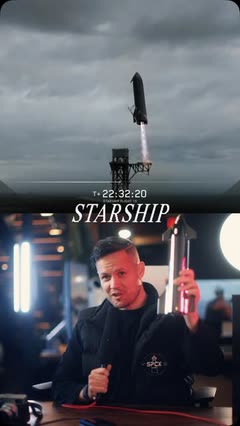
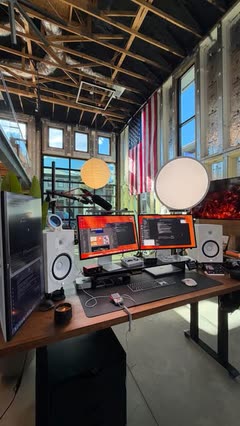
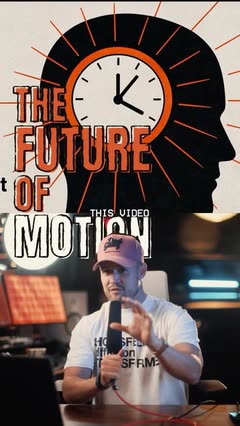
 reel 1
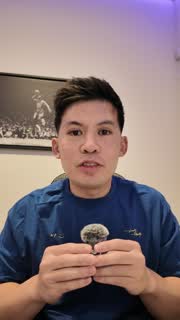 tom talks
the hook
tom talks
the hook
a step-by-step guide you commented “brief” made in manus max mode
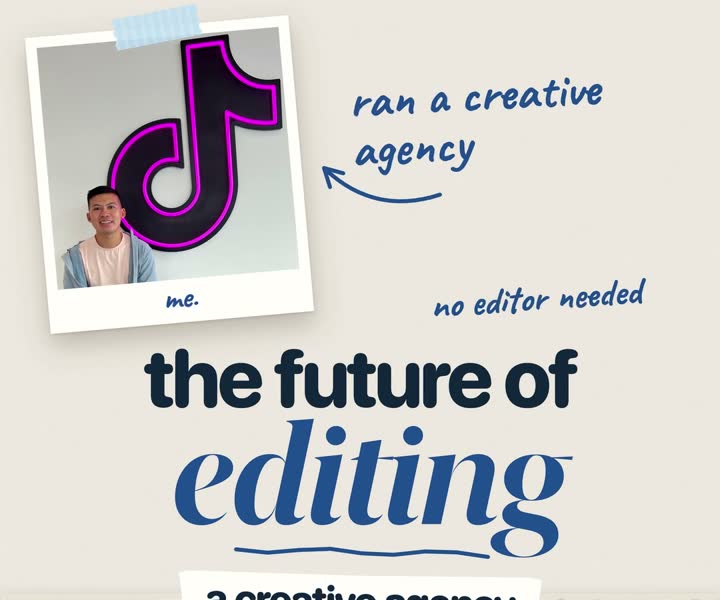
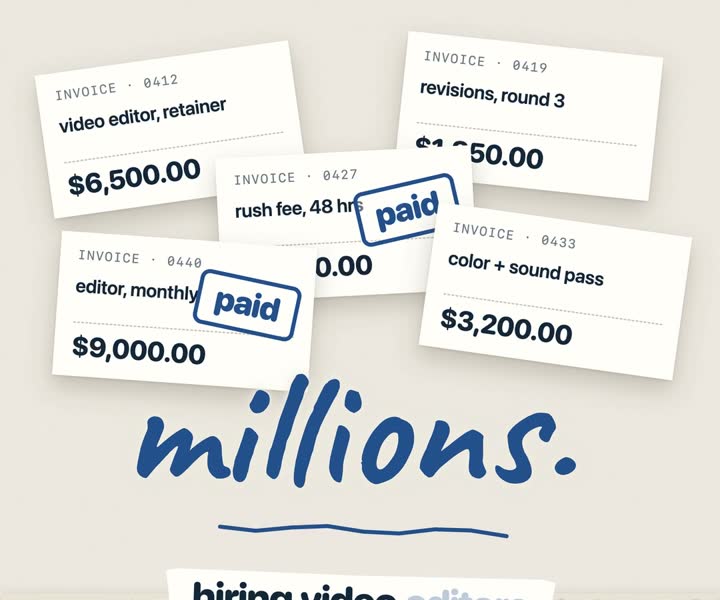
I ran a creative agency and spent millions on video editors. Now I have zero. Here’s exactly how this reel got made: the inspo, the script, and every message I sent Manus, unedited.
step 1 of 6
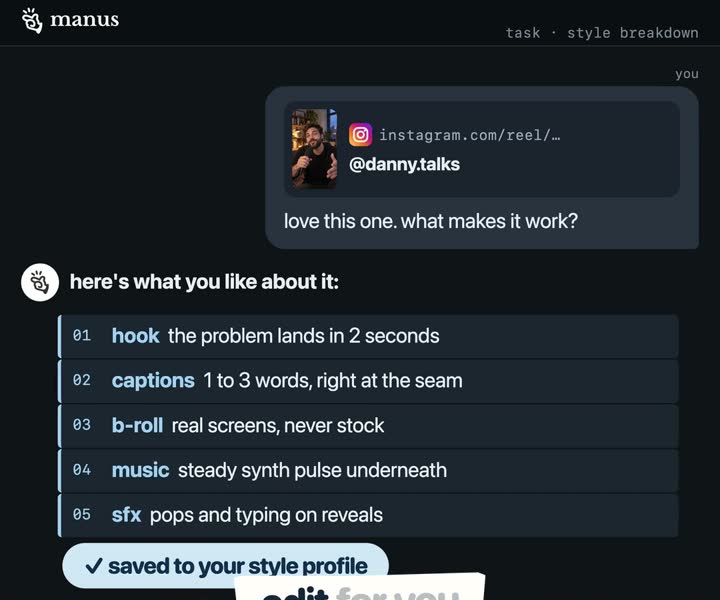
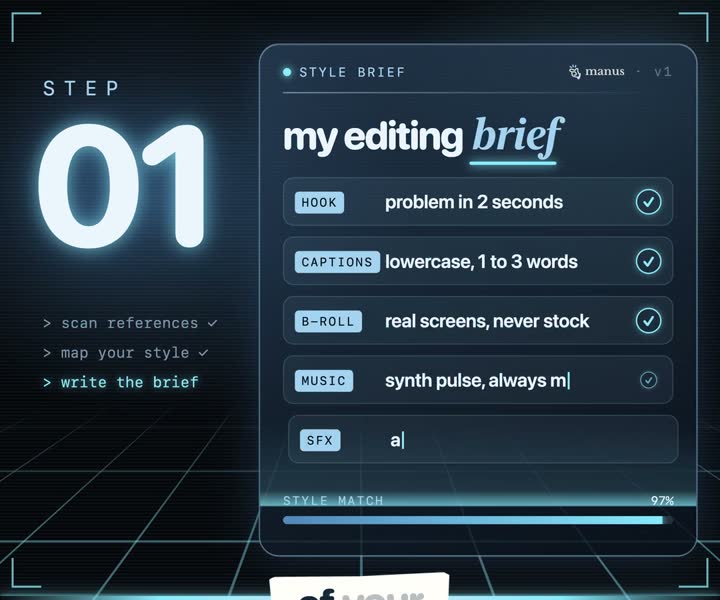
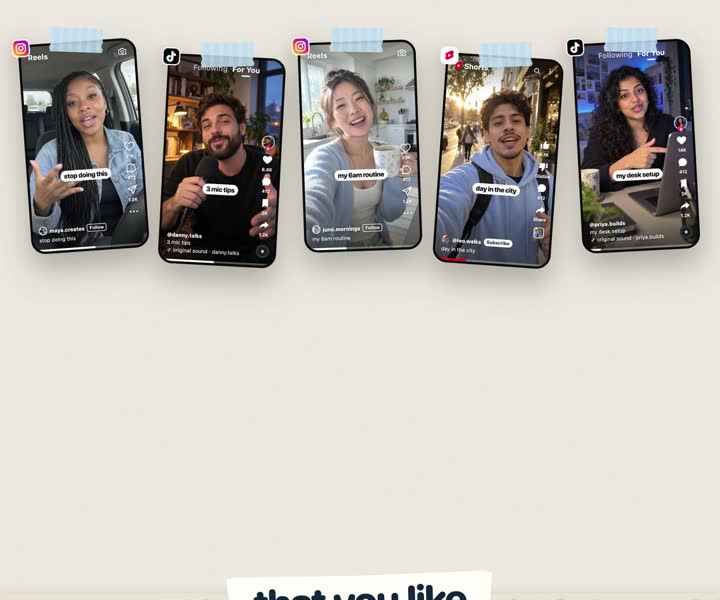
pick a creator you love. manus studies them for you.
my editing brief
 rpn
975K followers1,381 following
Roberto P. Nickson
‣ your guide to the intelligence age
rpn.biz
view profile
the 2 reels i sent manus
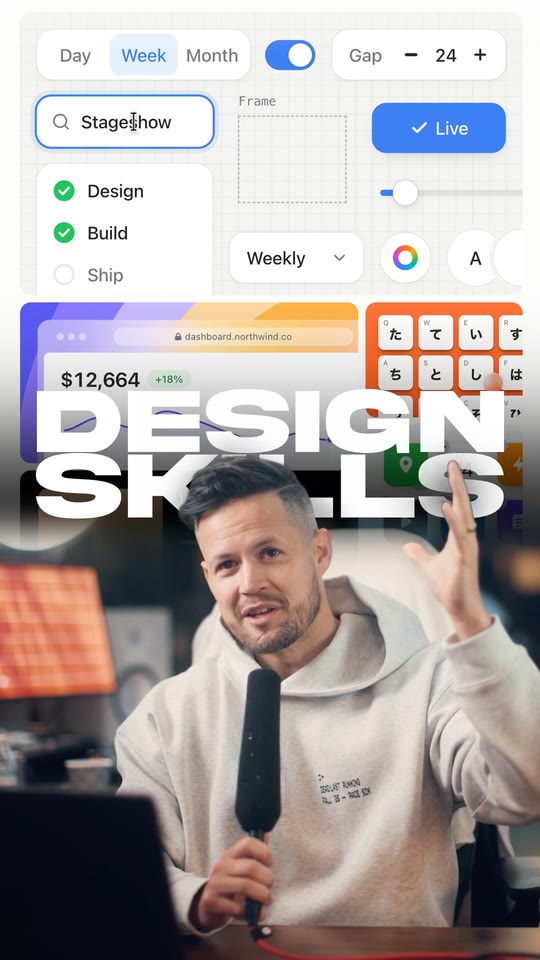
tap to play. both reels are @rpn’s, via Instagram.
nov 13 · 4:45 pm · what i actually sent
ok lets digiest this format from this creator and see what is our biggest take away?
instagram.com/reel/DfknCb2p1pUinstagram.com/reel/DfhuN7yAX8P
I like his ability to storytelling please look through the video in detail
manus · 4:58 pm
The biggest takeaway is that he opens with proof and closes with meaning. His first line is a claim you can check right away, his last 10 to 15 seconds step back and say why it matters, and everything in between is fast proof.
MY EDITING BRIEF

WHO I AM
[one line about you and who your videos are for]

INSPO (2 or 3 reels I love)
1. [link] what I like: [the hook / the font / the b-roll / how it sounds / the music]
2. [link] what I like: [be very specific]

MY STYLE
Hook: [the problem in the first 2 seconds]
Captions: [lowercase, 1 to 3 words, between the graphic and my face]
B-roll: [real screens and real products, never stock]
Music: [a steady synth pulse, always in]
Sound effects: [typing when text appears, pops on reveals]
Colors and fonts: [a reference photo or your brand colors]
Never: [corporate stock images, em dashes]

PLATFORMS
Instagram Reels, TikTok, YouTube Shorts (1080x1920)
step 2 of 6
send a rough idea. get a script in your inspo’s voice.
nov 13 · 5:02 pm · my idea, as i sent it
so i want to do a guide on how manus now does what my video editor used to do background: i used to run a creative agency i have spent millions hiring video editors now i don't have any video editors, but manus does everything for me here's how people can use manus for their creative workflow 1. put together a brief of their editing style the brief should include sample videos from other creators, and what they like about them once that is digested, it understands the framework you can then upload your raw videos and stitch them together, and make sure the audio is good and flows well once that makes sense, the next step is adding the correct b-roll, captions, etc.
5:09 pm
Let's focus above on the talking head videos because that is one of the most common things that people try to edit.
@rpn’s patternmy script
same tone, my idea.
manus · nov 13 · 5:10 pm · unedited
HOOK
I ran a creative agency and spent millions hiring video editors.
Now I have zero, and here’s the workflow that replaced them.

BODY 1
Step one, build a brief of your editing style.
Add videos from creators you love and say exactly what you like about each one.

BODY 2
Manus breaks those videos down shot by shot and turns them into your framework.
Hooks, pacing, captions, the whole playbook.

BODY 3
Step two, upload your raw footage and let it stitch the story together.
It makes sure the audio sounds clean and the story flows.

BODY 4
Step three, once the story works, it adds the right B-roll and captions.
The same finishing work I used to pay editors for.

BODY 5
But here’s the point: I was never paying editors for software skills, I was paying them to learn my taste.
Now I teach it once, and Manus remembers it.

CALL TO ACTION
Comment BRIEF and I’ll send you the exact brief I give Manus.
HOOK
I ran a creative agency and spent millions hiring video editors.
Now I have zero, and here’s how Manus edits my talking-head videos.

BODY 1
Step one, give Manus a brief of your style.
Send talking-head videos from creators you love and say exactly what you like about each one.

BODY 2
It breaks them down shot by shot: the hook, the pacing, the cuts, the captions.
So it learns your framework before it touches your footage.

BODY 3
Step two, upload your raw talking-head takes.
It cuts the dead air and retakes, keeps your best take, and makes the audio flow.

BODY 4
Step three, it adds the polish: B-roll on the exact word, captions, and quick zoom-ins on your key lines.
The same finishing work I used to pay editors for.

BODY 5
But here’s the point: I was never paying editors for the software, I was paying them to learn my taste.
Now I teach it once, and Manus remembers it.

CALL TO ACTION
Comment BRIEF and I’ll send you the exact brief I give Manus.
0:00  I ran a creative agency and spent millions hiring video editors.
0:04  Now, I have zero, and here's how Manus is editing all my talking head videos.
0:08  Step one: you have to give Manus a brief of your editing styles.
0:13  Send Manus a list of creators and videos that you like.
0:16  Let Manus know what you like about each video so Manus understands your branding guidelines.
0:21  If you like a certain video, let them know you like the font, the B-roll, how it sounds, the music.
0:28  Be very specific.
0:29  As you give Manus your video, it breaks down exactly what you like so that when you have your project, it knows what to edit for you.
0:37  Step two: upload your talking head videos.
0:40  This is the part where it cuts out your filler words, the dead air, and enhances your audio so that your video is ready to go.
0:47  Once this is done, send Manus a list of your edits that you are looking to accomplish.
0:52  Watch Manus edit away.
0:54  After 30 minutes, your video awaits, and this is where you can give revision to Manus.
0:59  Comment "brief" and I'll send you a step-by-step guide on how I put together this video that you're watching.
Draft 2 came back one minute after I asked to focus on talking-head videos. This is the script I read on camera.
step 3 of 6
one or two lines a take. mess up, keep going.
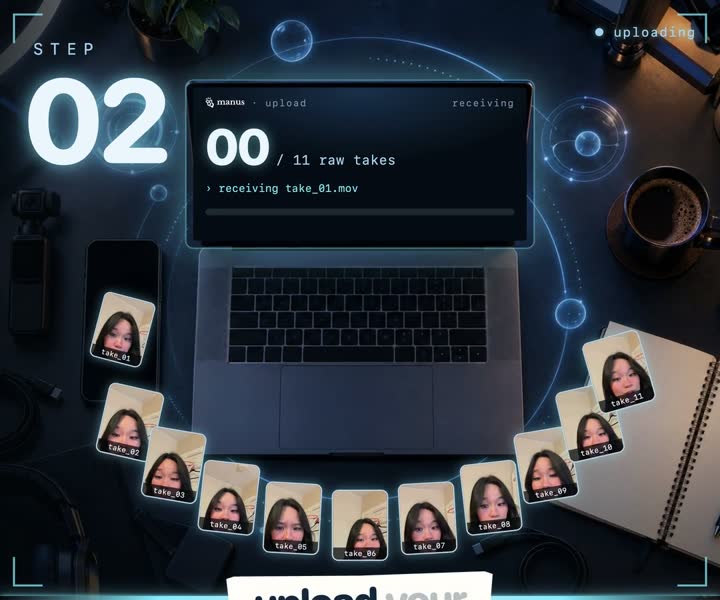
11 raw takes · DJI Pocket · 1:45 of footage
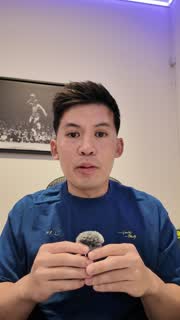
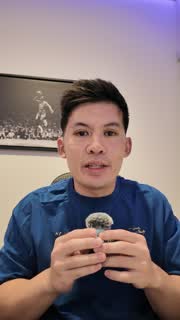
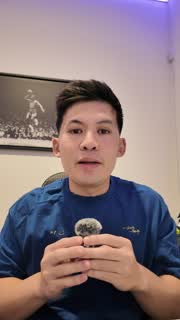
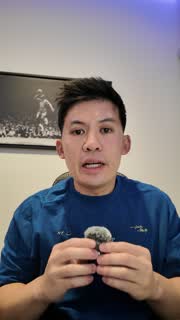
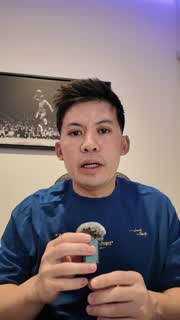
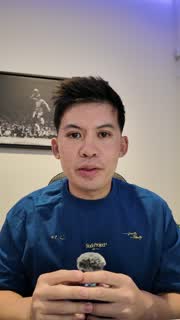
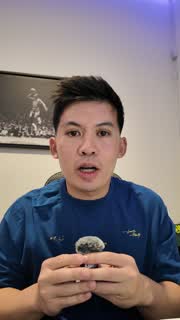
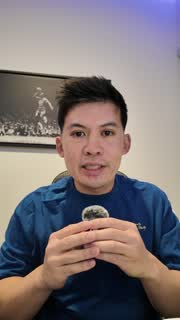
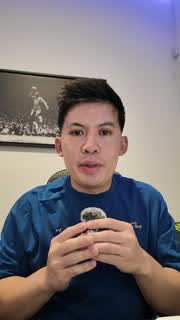
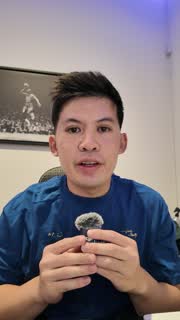
shoot in short takes, one or two lines of the script each.
flub a line? just say it again. duplicates get cut in step 4.
pause a beat before you reach for stop. my hand swings made the first cuts weird.
keep the card plugged in while it edits. it reads clips straight off it.
step 4 of 6
one file, your best take of each line, no dead air.
nov 13 · 6:48 pm
Let's patch the video and combine it into one file. Make sure that we avoid duplicates and it sounds similar to the script above. If we have any dead space please omit it.
manus · 7:01 pm
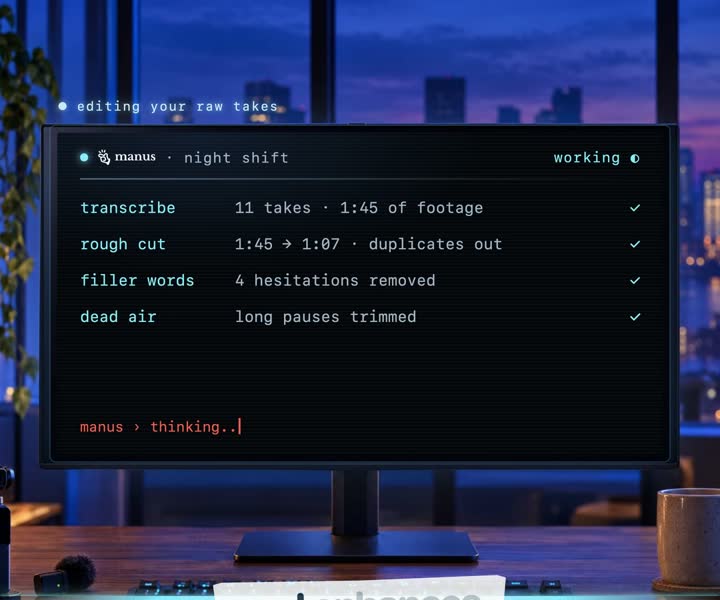
I've combined your 11 takes into one video. The 105 seconds of raw footage is now a 61-second cut that follows the script, with no repeated lines or dead air.
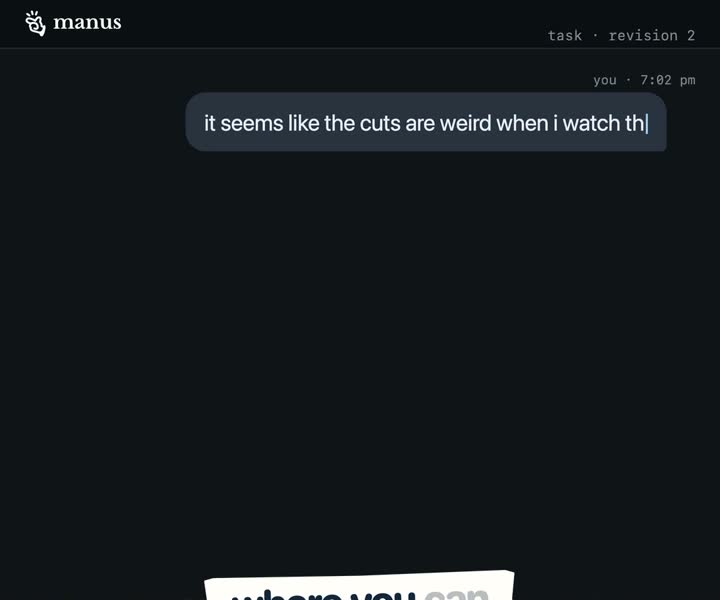
it seems like the cuts are weird when i watch the video can we make that more smooth?
manus · 7:06 pm
It now has 11 cuts instead of 15, and every cut falls between sentences. At the end of four takes, your hand was already reaching toward the camera to stop recording, so the cut landed mid-motion.
▍ manus is working
Here are my raw takes. Patch them into one file that follows the script. Avoid duplicates, keep my best take of each line, remove filler words that sound awkward and omit any dead space. Make every cut land between sentences.
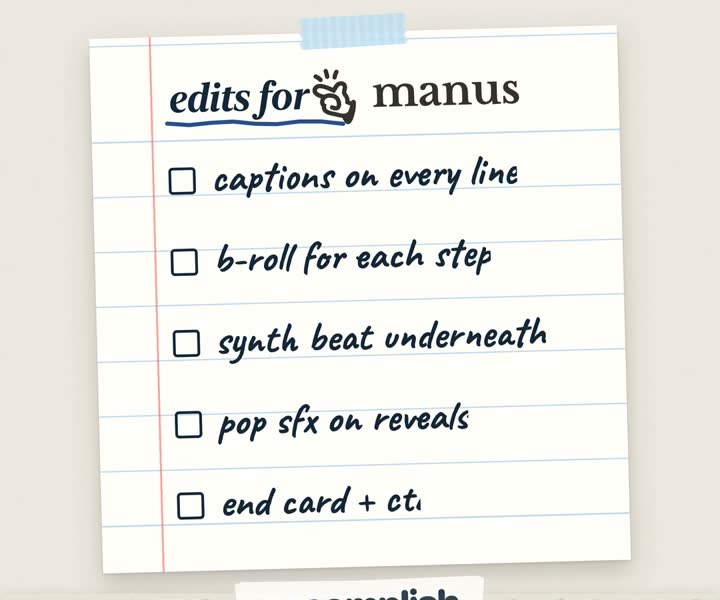
step 5 of 6
one request in, a first draft out. you revise from there.
edits for manus
nov 13 · 7:07 pm
instagram.com/reel/DfknCb2p1pU
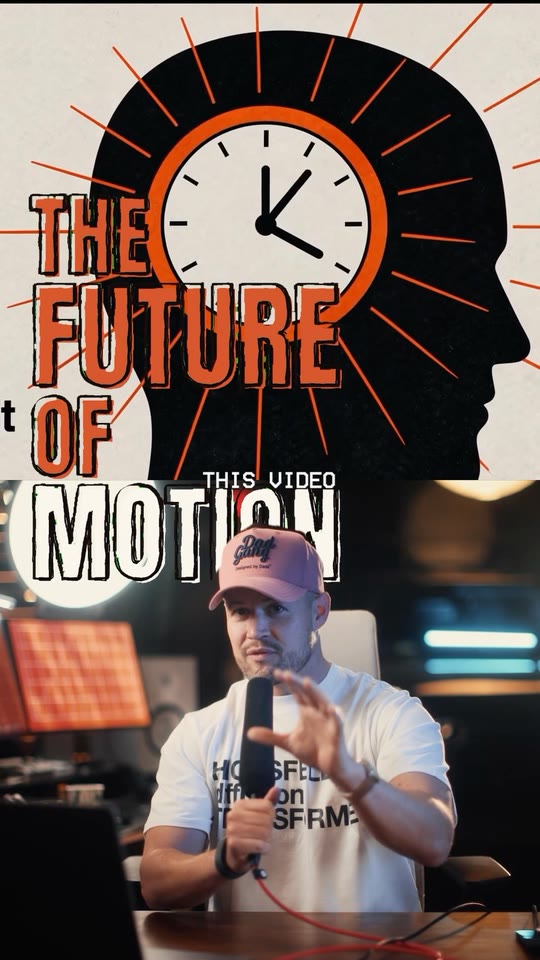
I would like to make a video similar to the inspiration above. Can you take a look and add motion graphics images that you feel will enhance my storytelling, such as music and everything that encompasses the purpose of the video? I'm basically saying that we no longer need video editors and that the future is here and it's time to adapt to something like Manus for us to get more output.
EDITS FOR MANUS
Make it feel like: [inspo reel link]
The point of the video: [one sentence]
Motion graphics: [what each line should show on screen]
Captions: [lowercase, 1 to 3 words, on every line]
B-roll: [real screens and apps people recognize]
Music: [the vibe, or a specific track]
Sound effects: [typing on text, whooshes on transitions]
Brand: [my logo when I say the name, colors, fonts]
Deliver: 1080x1920 for Reels, TikTok and Shorts, plus a thumbnail
step 5 continued
from my edit list to the first full version, in 35 minutes.
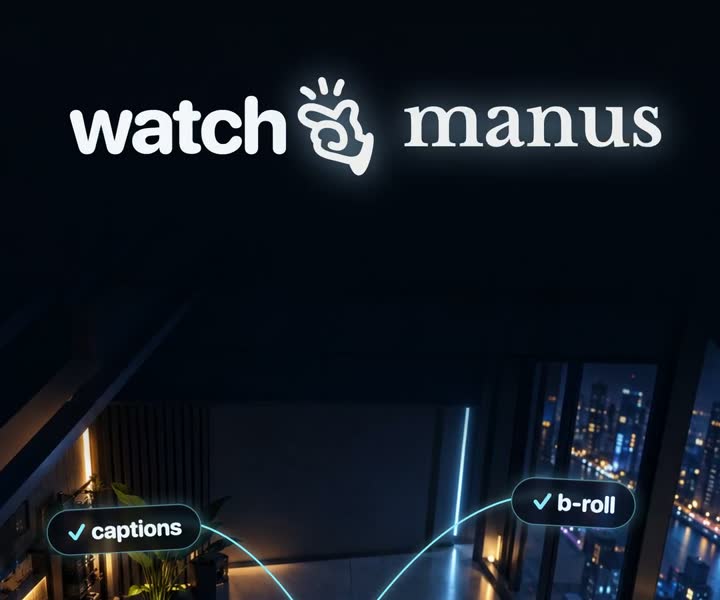 ✓ cuts
✓ captions
✓ b-roll
✓ music
✓ sfx
0min
7:07 pm, edit list sent
7:42 pm, v3 delivered
every cut, beat and sound below, placed by Manus. I never opened a timeline. scrub the track ↓
step 6 of 6
talk to it like an editor. v4 to v9 were all polish, mostly one-line notes.
what i sent
Let's patch the video and combine it into one file.
what changed
11 takes stitched into one 61-second cut.
be blunt. “feels so corporate” did more than a paragraph would.
send pictures. a sneaker set the palette. a photo replaced a polaroid.
point at the moment. “where I say I ran a creative agency.”
save screenshots first. drag from the desktop, not the preview, or they vanish.
so i like this script format can we make sure when we generate scripts its in this format? [pasted an example script: HOOK, BODY 1 to BODY 5, CALL TO ACTION] and then make it easy for us to copy and paste
ok lets digiest this format from this creator and see what is our biggest take away? [2 @rpn reel links] I like his ability to storytelling please look through the video in detail
so i want to do a guide on how manus now does what my video editor used to do
background; used to run a creative agency
have spent millions hiriing videos
now i dont have any video editors but manus does everything for me
heres ohw people can use manus for their creative workflow
1. put together a brief of their editing style
brief should include sample viefos from other creatoes and sharing what they like
once that is digested it understands framework
you can then upload your raw videos and stitch together, ensure audio is good and flows well
once that make sense next step is adding correct b-roll captions etc
Let's focus above on the talking head videos because that is one of the most common things that people try to edit.
Let's patch the video and combine it into one file. Make sure that we avoid duplicates and it sounds similar to the script above. If we have any dead space please omit it.
it seems like the cuts are weird when i watch the video can we make that more smooth?
[@rpn reel 1 link] I would like to make a video similar to the inspiration above. Can you take a look and add motion graphics images that you feel will enhance my storytelling, such as music and everything that encompasses the purpose of the video? I'm basically saying that we no longer need video editors and that the future is here and it's time to adapt to something like Manus for us to get more output.
ok i put it back in my DJI Pocket had disconnected mid-edit, and Manus asked me to plug it back in
Can you send the mp4 file so I can view on my phone
Notes let’s try to use color theme similar to [photo of my ice-blue sneakers] Make sure our font kit has its own fresh style to not copy the other video exactly
Try to use more examples of Instagram and TikTok branding when showing video edit etc so people recognize what this is for
Again our is to show this is the future of editing without the editor
So it’s getting better but feels so corporate study this vibe try to implement [@rpn reel 2 link] Added image that feel too corporate [screenshot] Use another back track that flows better
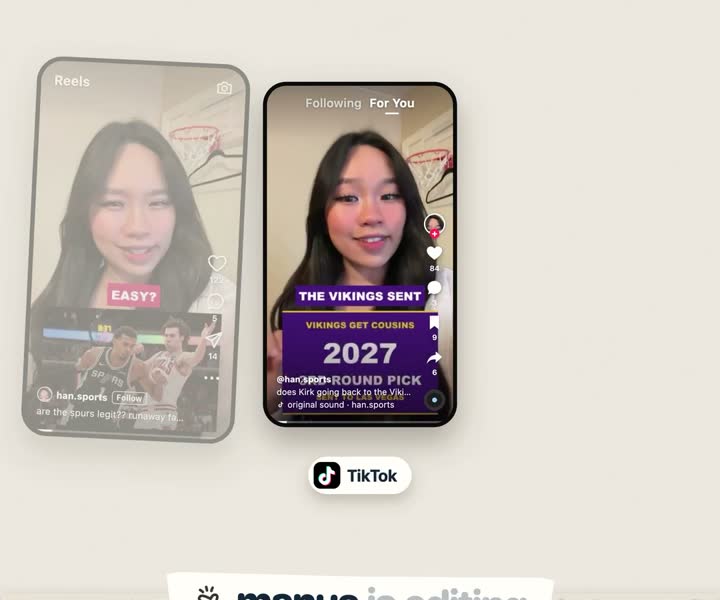
you can use this to reference the comapny that i used to run [screenshots] Use this soundtrack: [instagram link] Polish this part it seems the logo is off lets have YT shorts logo too and i feel we dont need to use the video we can use the Han Sports one as an exmaple with different video edit variations like [3 instagram links] Fix the step 1 to be futuristic
lets also not use -- in our image try to make it more futuristic feeling
for 4th image use different images that represent content creatoers not me
5th image has an odd animation
i see files here that i attached my screenshots never arrived. I dragged them from the floating macOS preview, which deletes the file. Manus guessed from my words instead.
use the Manus logo when i mention it where it best fits
have a good thumbnail photo laready attach to the video
Use this photo where I say I ran a creative agency [photo of me at the TikTok office]
so this is the image i wanted to replace why is it not using the photo that i sent? I was watching v6 in the side panel. The photo was already in v8.
what i like from this video: [@rpn reel 1 link] I like the typing noise that was added
2- i like the visual like first image attached it seems very futuristic
3- image like the desk view above i want things like that in our video so people can visualize video editing for their work
try to fine tune and remove filler words that sound awkward
Connected, export and copy the clips to my Mac the DJI Pocket had disconnected again, so the v9 export had to wait
is the video all properly exported?
Spelling and all, exactly as I typed it. Photos and links I attached are in [brackets], and what was going on is in italics. One later message asked for Instagram captions for a different post, so it isn’t here.
you commented “brief”, so…
six prompts, in order. fill the brackets, paste, send. step 3 is just you and the camera.
Here are [2 or 3] reels from [creator] I love: [links]. I like [how they tell a story / their post-production edit / the hook]. Look through each video in detail and tell me the biggest takeaway I should use.
Here's my idea: [your bullet points]. Write it as a talking-head script in the same tone of voice as [creator]'s reels: HOOK, BODY 1 to BODY 5 and CALL TO ACTION, one or two short lines each, easy to copy and paste.
Here are my raw takes. Patch them into one file that follows the script. Avoid duplicates, keep my best take of each line, remove filler words that sound awkward and omit any dead space.
The cuts feel weird when I watch it. Make them smoother: cut between sentences, keep natural pauses and never cut mid-motion.
Make this feel like [inspo link]. Add motion graphics that prove each line, captions, music and sound effects. The point of the video is [one sentence]. Use [my logo / colors / photo] where it fits.
At [timestamp or line], it feels [too corporate / off]. Try [what you want instead]. Use this photo where I say [line], and add a thumbnail as the cover.
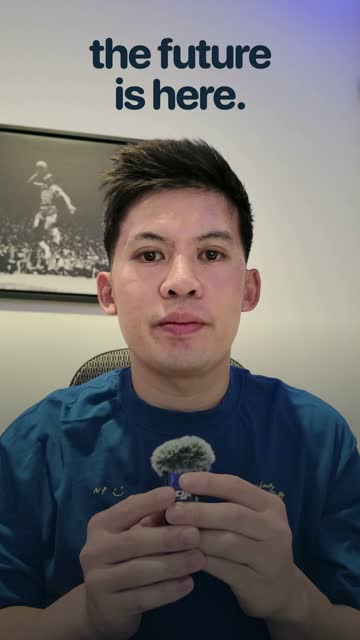
the future is here. adapt.
 want more tips like this?
follow @createwithtom
on instagram, for more tips
follow
v1 → v9 · 9 versions